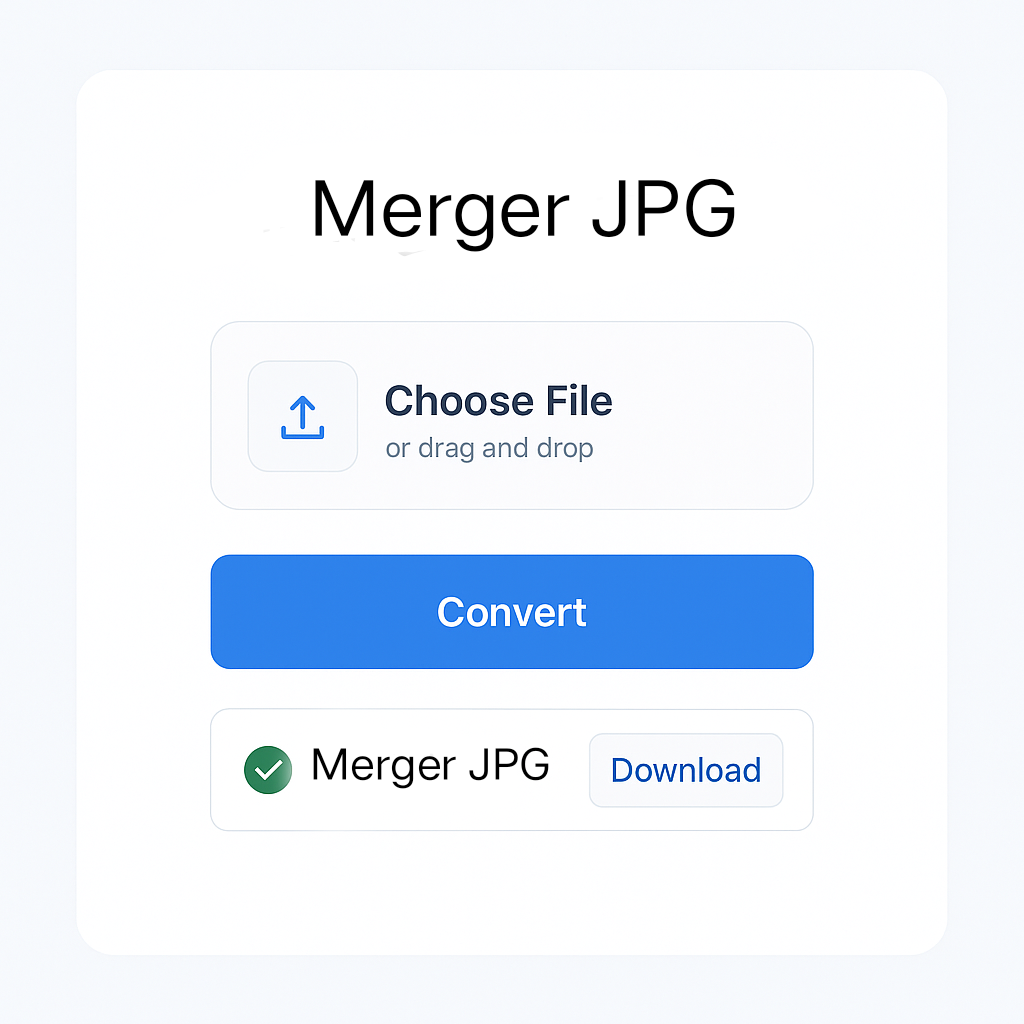
Merge JPG Images into One File
Want to combine multiple JPG images into a single file? Our Merge JPG tool helps you stitch together several images vertically or horizontally in seconds. Whether you’re creating a collage, comparison image, or a unified layout, this tool is simple and efficient.
With our online JPG merger, you can:
- Upload multiple JPG files and arrange them in your desired order.
- Merge images side-by-side or top-to-bottom.
- Maintain original quality and resolution.
- Download the merged image instantly—no sign-up needed.
Fast, free, and works in your browser—perfect for quick image tasks!
Advanced Image Merger
Combine multiple images with extended merge direction options
Upload Images
Image List
Uploaded images will appear here
Merge Settings
Preview
Merged image preview will appear here
How to Use This Tool
- Upload images using the button or drag & drop
- Arrange images by dragging them in the list
- Configure settings for spacing, background, and merge direction
- Merge images to create your combined image
- Download your final merged image
All processing happens locally in your browser – your images are never uploaded to any server!
🚀 Convert, Merge & Compress PDFs & Images Easily – All in One Place at MissYouPDF.in!
Looking for a quick and reliable solution to manage your image and PDF files? 🔧✨
Visit MissYouPDF.in — your go-to online toolkit for converting, compressing, merging, and editing PDFs and images. It’s 100% free, no signup needed, and mobile-friendly!
🔁 Image Conversion Tools:
- Convert JPEG to JPG in seconds
- Transform JPG to PDF
- Merge multiple images with Merger JPG
- Quickly convert PNG to PDF
- Convert AVIF images with AVIF to JPG Converter
- Create documents with Image to PDF Converter
📄 Powerful PDF Tools:
- Convert files easily with PDF to JPG
- Compress documents using Compressor – Reduce PDF File Size
- Combine files using Merger – Combine Multiple PDFs
- Remove unwanted pages with the PDF Page Remover Tool
- Extract specific pages using the Page Extractor Tool
- Edit metadata via the PDF Metadata Editor
- Add page numbers with the PDF Page Numbering Tool
- Rotate pages using the PDF Rotator
- Add signatures with the PDF Signature Tool
- Split files easily using the PDF Splitter
- Convert to images with the PDF to JPG, PNG, or TIFF Converter
💡 Why Choose MissYouPDF?
- No installation needed
- Works on all devices
- Completely free and ad-light
- Fast & secure file handling
Start converting, merging, and editing now: 👉 Visit MissYouPDF.in