Convert JPG to PDF: Easy, Fast & Secure
Converting JPG images to PDF is a quick and essential task for students, professionals, and anyone managing digital files. Whether you’re organizing documents, combining photos into a single file, or preparing an image for printing, PDF format ensures compatibility and security.
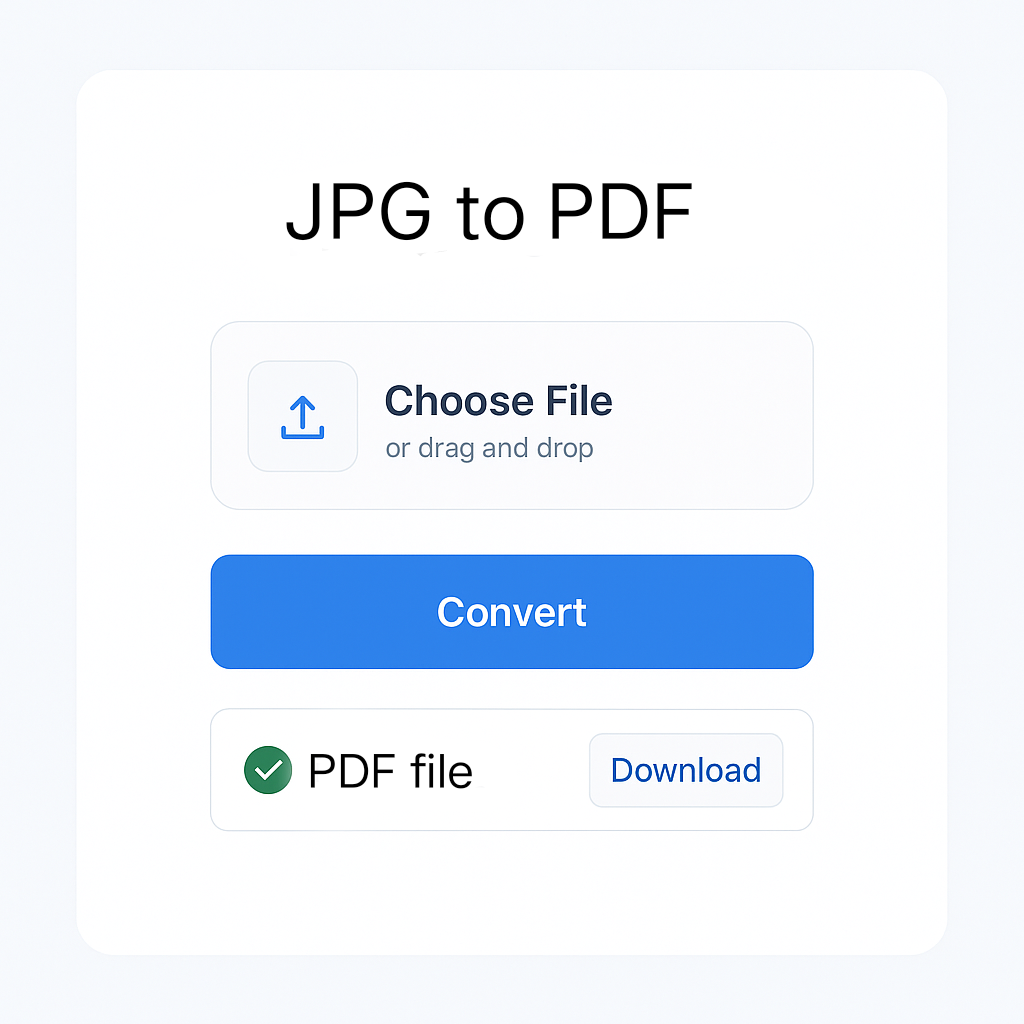
JPG to PDF Converter
Convert your JPG images to PDF documents with customizable options
Upload Images
Selected Images
Uploaded images will appear here
PDF Settings
PDF Preview
PDF preview will appear here after conversion
How to Convert JPG to PDF
- Upload images using the button or drag & drop
- Adjust PDF settings like page size, orientation, and margins
- Click “Convert to PDF” to create your PDF document
- Download your final PDF file
All processing happens locally in your browser – your images are never uploaded to any server!
With our JPG to PDF converter, you can:
Combine multiple JPG files into one PDF.
Maintain high image quality in the output file.
Ensure your files are easy to share, print, and store.
Enjoy a fast, browser-based tool with no sign-up needed.
Simply upload your JPG image(s), click convert, and download your PDF in seconds. No software, no hassle — just a seamless image-to-document conversion experience.
🚀 Convert, Merge & Compress PDFs & Images Easily – All in One Place at MissYouPDF.in!
Looking for a quick and reliable solution to manage your image and PDF files? 🔧✨
Visit MissYouPDF.in — your go-to online toolkit for converting, compressing, merging, and editing PDFs and images. It’s 100% free, no signup needed, and mobile-friendly!
🔁 Image Conversion Tools:
- Convert JPEG to JPG in seconds
- Transform JPG to PDF
- Merge multiple images with Merger JPG
- Quickly convert PNG to PDF
- Convert AVIF images with AVIF to JPG Converter
- Create documents with Image to PDF Converter
📄 Powerful PDF Tools:
- Convert files easily with PDF to JPG
- Compress documents using Compressor – Reduce PDF File Size
- Combine files using Merger – Combine Multiple PDFs
- Remove unwanted pages with the PDF Page Remover Tool
- Extract specific pages using the Page Extractor Tool
- Edit metadata via the PDF Metadata Editor
- Add page numbers with the PDF Page Numbering Tool
- Rotate pages using the PDF Rotator
- Add signatures with the PDF Signature Tool
- Split files easily using the PDF Splitter
- Convert to images with the PDF to JPG, PNG, or TIFF Converter
💡 Why Choose MissYouPDF?
- No installation needed
- Works on all devices
- Completely free and ad-light
- Fast & secure file handling
Start converting, merging, and editing now: 👉 Visit MissYouPDF.in