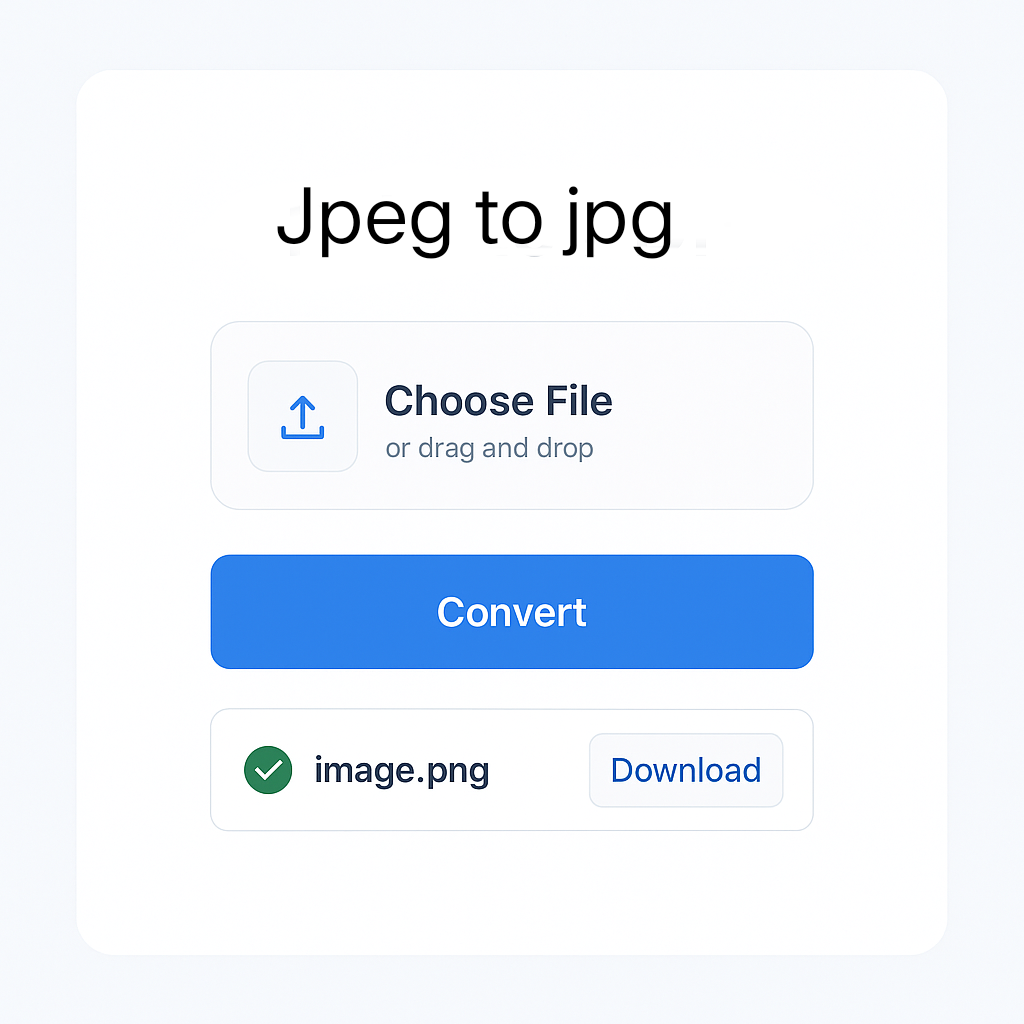
JPEG to JPG Converter
Convert your JPEG images to JPG format instantly in your browser. No uploads, no server processing – your files stay private!
Your Files
Converted Files
JPEG and JPG are identical image formats. This converter simply changes the file extension without altering image quality. All processing happens locally in your browser – your images are never uploaded to any server.
JPEG to JPG Conversion – Everything You Need to Know
In the world of digital images, the terms JPEG and JPG are often used interchangeably. Many people wonder if there’s a difference between JPEG and JPG – the answer is simple: there is no technical difference. Both formats are essentially the same and refer to the Joint Photographic Experts Group image format, widely used for compressing digital photos and web graphics.
The only reason for the different file extensions is due to older Windows operating systems that supported only three-letter file extensions. Hence, “.jpg” became common in Windows, while “.jpeg” remained standard on other platforms like macOS or Linux.
Why Convert JPEG to JPG?
Although there is no actual difference between the two, some software applications or websites might only accept one version of the file extension. In such cases, converting from .jpeg to .jpg ensures compatibility and smooth uploads or edits.
How to Convert JPEG to JPG?
Converting JPEG to JPG is simple and doesn’t require any professional editing software. You can use:
- Online image converters (instant and free)
- Built-in tools like Paint or Preview (save as .jpg)
- Batch conversion tools for multiple files
Just upload your .jpeg file, choose the .jpg format, and download the converted file in seconds.
🚀 Convert, Merge & Compress PDFs & Images Easily – All in One Place at MissYouPDF.in!
Looking for a quick and reliable solution to manage your image and PDF files? 🔧✨
Visit MissYouPDF.in — your go-to online toolkit for converting, compressing, merging, and editing PDFs and images. It’s 100% free, no signup needed, and mobile-friendly!
🔁 Image Conversion Tools:
- Convert JPEG to JPG in seconds
- Transform JPG to PDF
- Merge multiple images with Merger JPG
- Quickly convert PNG to PDF
- Convert AVIF images with AVIF to JPG Converter
- Create documents with Image to PDF Converter
📄 Powerful PDF Tools:
- Convert files easily with PDF to JPG
- Compress documents using Compressor – Reduce PDF File Size
- Combine files using Merger – Combine Multiple PDFs
- Remove unwanted pages with the PDF Page Remover Tool
- Extract specific pages using the Page Extractor Tool
- Edit metadata via the PDF Metadata Editor
- Add page numbers with the PDF Page Numbering Tool
- Rotate pages using the PDF Rotator
- Add signatures with the PDF Signature Tool
- Split files easily using the PDF Splitter
- Convert to images with the PDF to JPG, PNG, or TIFF Converter
💡 Why Choose MissYouPDF?
- No installation needed
- Works on all devices
- Completely free and ad-light
- Fast & secure file handling
Start converting, merging, and editing now: 👉 Visit MissYouPDF.in