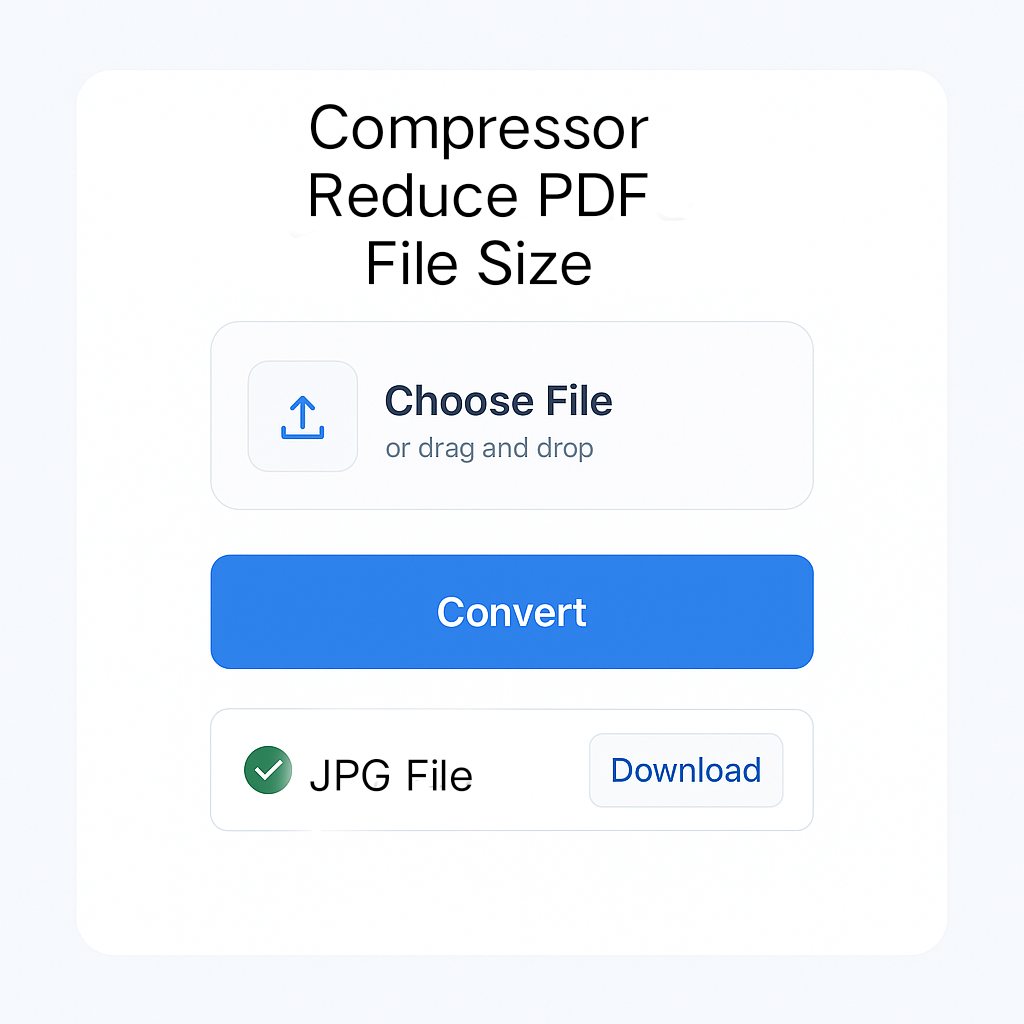
PDF Compressor
Reduce PDF file size by compressing images and optimizing content. All processing happens in your browser for maximum privacy.
Upload PDF
Drag & drop your PDF file here
OR
Compression Settings
Compressing your PDF file…
This may take a few moments depending on file size
About PDF Compression
PDF compression reduces the file size of PDF documents by optimizing images, removing metadata, and compressing content. This is especially useful for email attachments, web uploads, and saving storage space.
How It Works
- Image Optimization – Reduces image quality and resolution
- Content Analysis – Removes unnecessary metadata and objects
- Font Subsetting – Includes only used characters from fonts
- Data Compression – Applies advanced compression algorithms
Benefits
Send PDFs via email without size limits
Reduce upload times for web forms
Reduce storage space requirements
Files never leave your computer
Frequently Asked Questions
Compression Tips
- Use lower DPI – 150 DPI is sufficient for most documents
- Adjust quality level – Balance between quality and file size
- Remove unnecessary images – Delete images you don’t need
- Combine multiple PDFs – Compress after combining files
🚀 Convert, Merge & Compress PDFs & Images Easily – All in One Place at MissYouPDF.in!
Looking for a quick and reliable solution to manage your image and PDF files? 🔧✨
Visit MissYouPDF.in — your go-to online toolkit for converting, compressing, merging, and editing PDFs and images. It’s 100% free, no signup needed, and mobile-friendly!
🔁 Image Conversion Tools:
- Convert JPEG to JPG in seconds
- Transform JPG to PDF
- Merge multiple images with Merger JPG
- Quickly convert PNG to PDF
- Convert AVIF images with AVIF to JPG Converter
- Create documents with Image to PDF Converter
📄 Powerful PDF Tools:
- Convert files easily with PDF to JPG
- Compress documents using Compressor – Reduce PDF File Size
- Combine files using Merger – Combine Multiple PDFs
- Remove unwanted pages with the PDF Page Remover Tool
- Extract specific pages using the Page Extractor Tool
- Edit metadata via the PDF Metadata Editor
- Add page numbers with the PDF Page Numbering Tool
- Rotate pages using the PDF Rotator
- Add signatures with the PDF Signature Tool
- Split files easily using the PDF Splitter
- Convert to images with the PDF to JPG, PNG, or TIFF Converter
💡 Why Choose MissYouPDF?
- No installation needed
- Works on all devices
- Completely free and ad-light
- Fast & secure file handling
Start converting, merging, and editing now: 👉 Visit MissYouPDF.in