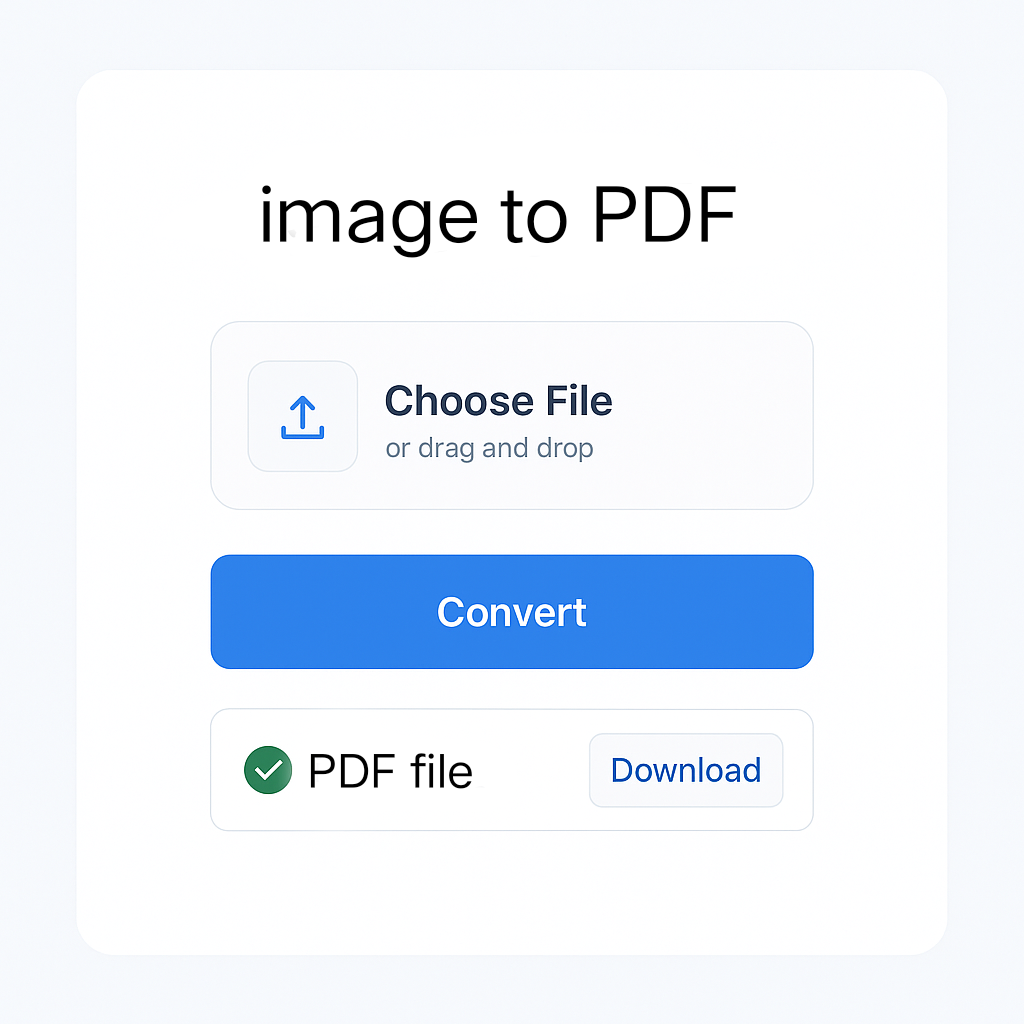
Image to PDF Converter
Convert JPG and PNG images into a single PDF document in seconds. No installation required – works directly in your browser!
Upload Images
Drag & drop your images here
OR
Image Previews
Uploaded images will appear here
Drag to reorder images
Creating your PDF document…
About This Tool
Our Image to PDF Converter is a free online tool that allows you to convert multiple JPG and PNG images into a single PDF document. Perfect for creating portfolios, reports, or archiving photos.
Key Features
- Browser-based – Works entirely in your browser, no server uploads
- Multiple formats – Convert JPG, JPEG, and PNG to PDF
- Batch processing – Combine multiple images into a single PDF
- Drag to reorder – Arrange images before conversion
- Customizable PDF – Choose page size, orientation and margins
- Secure & private – Your images never leave your computer
Benefits
Files processed locally – never uploaded
Convert images in seconds
No file size or image limits
Works on all devices
Frequently Asked Questions
How It Works
- Upload your images – Select or drag and drop images
- Arrange images – Drag to reorder images as needed
- Adjust settings – Choose page size, orientation and margins
- Convert to PDF – Click the convert button to generate PDF
- Download – Save your PDF document
🚀 Convert, Merge & Compress PDFs & Images Easily – All in One Place at MissYouPDF.in!
Looking for a quick and reliable solution to manage your image and PDF files? 🔧✨
Visit MissYouPDF.in — your go-to online toolkit for converting, compressing, merging, and editing PDFs and images. It’s 100% free, no signup needed, and mobile-friendly!
🔁 Image Conversion Tools:
- Convert JPEG to JPG in seconds
- Transform JPG to PDF
- Merge multiple images with Merger JPG
- Quickly convert PNG to PDF
- Convert AVIF images with AVIF to JPG Converter
- Create documents with Image to PDF Converter
📄 Powerful PDF Tools:
- Convert files easily with PDF to JPG
- Compress documents using Compressor – Reduce PDF File Size
- Combine files using Merger – Combine Multiple PDFs
- Remove unwanted pages with the PDF Page Remover Tool
- Extract specific pages using the Page Extractor Tool
- Edit metadata via the PDF Metadata Editor
- Add page numbers with the PDF Page Numbering Tool
- Rotate pages using the PDF Rotator
- Add signatures with the PDF Signature Tool
- Split files easily using the PDF Splitter
- Convert to images with the PDF to JPG, PNG, or TIFF Converter
💡 Why Choose MissYouPDF?
- No installation needed
- Works on all devices
- Completely free and ad-light
- Fast & secure file handling
Start converting, merging, and editing now: 👉 Visit MissYouPDF.in